Make confident decisions across every booking channel
bsport is the only platform that connects every third-party booking to revenue data and member records the moment it happens, with spot allocation and booking windows you set class by class.
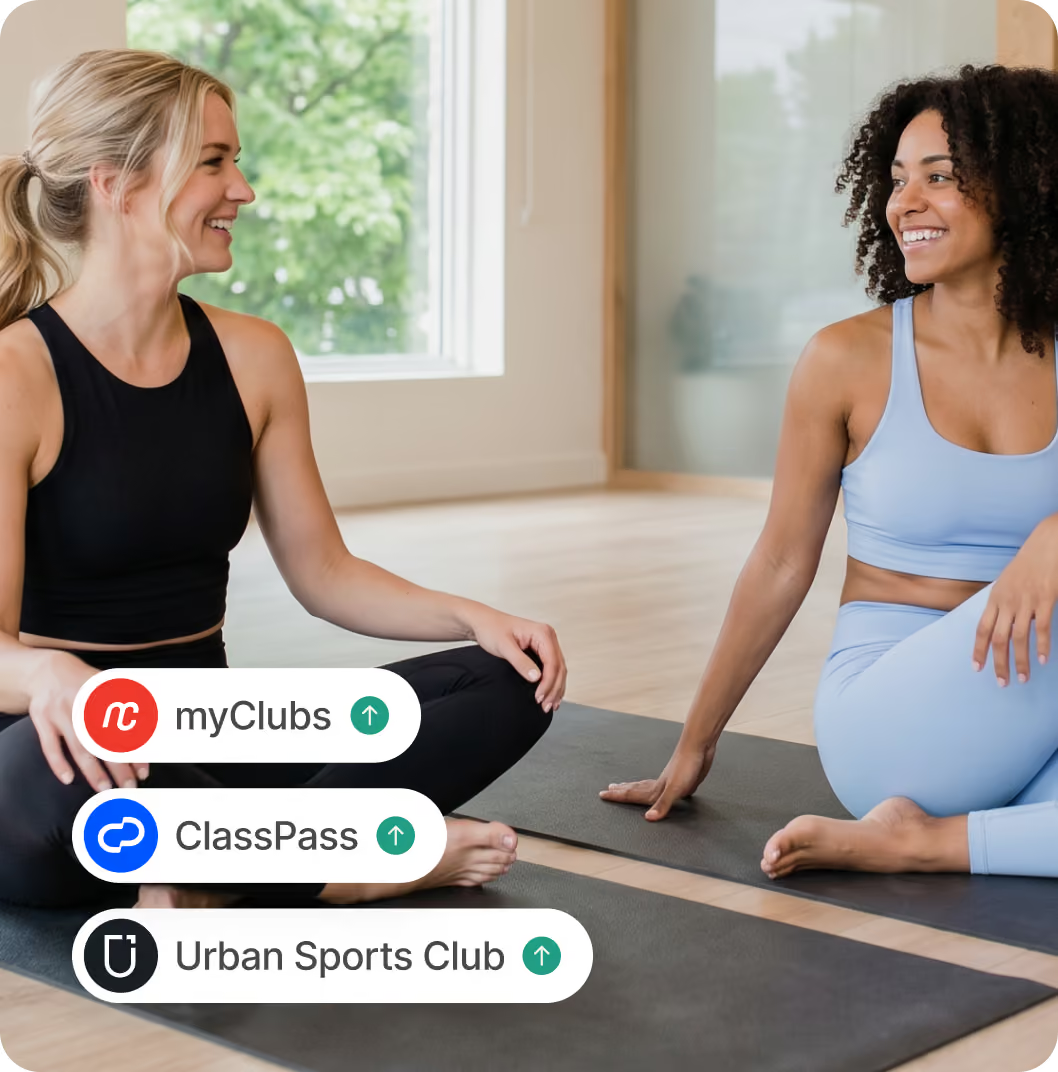










Run your third-party booking platforms as a proper revenue channel
Manage it all in one place
See which third-party booking platforms you're connected to, check which classes are live and review all third-party bookings from your dedicated hub inside bsport.
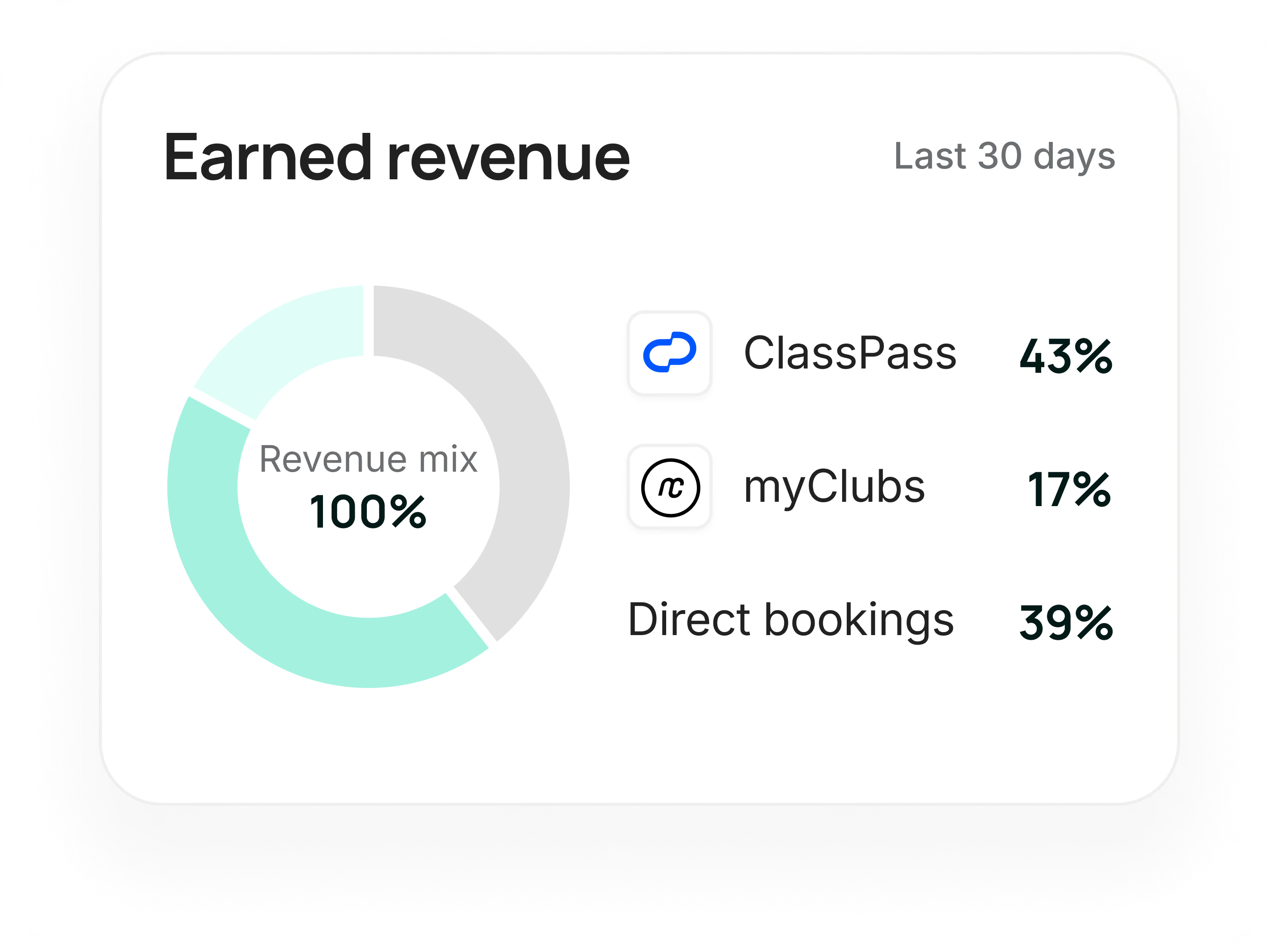
See how each class performs, as it happens
Get instant visibility into key metrics for every third-party booking: fill rate, number of clients, and cancellation rate per class. No more waiting for the end-of-month statement to understand how each class is performing.
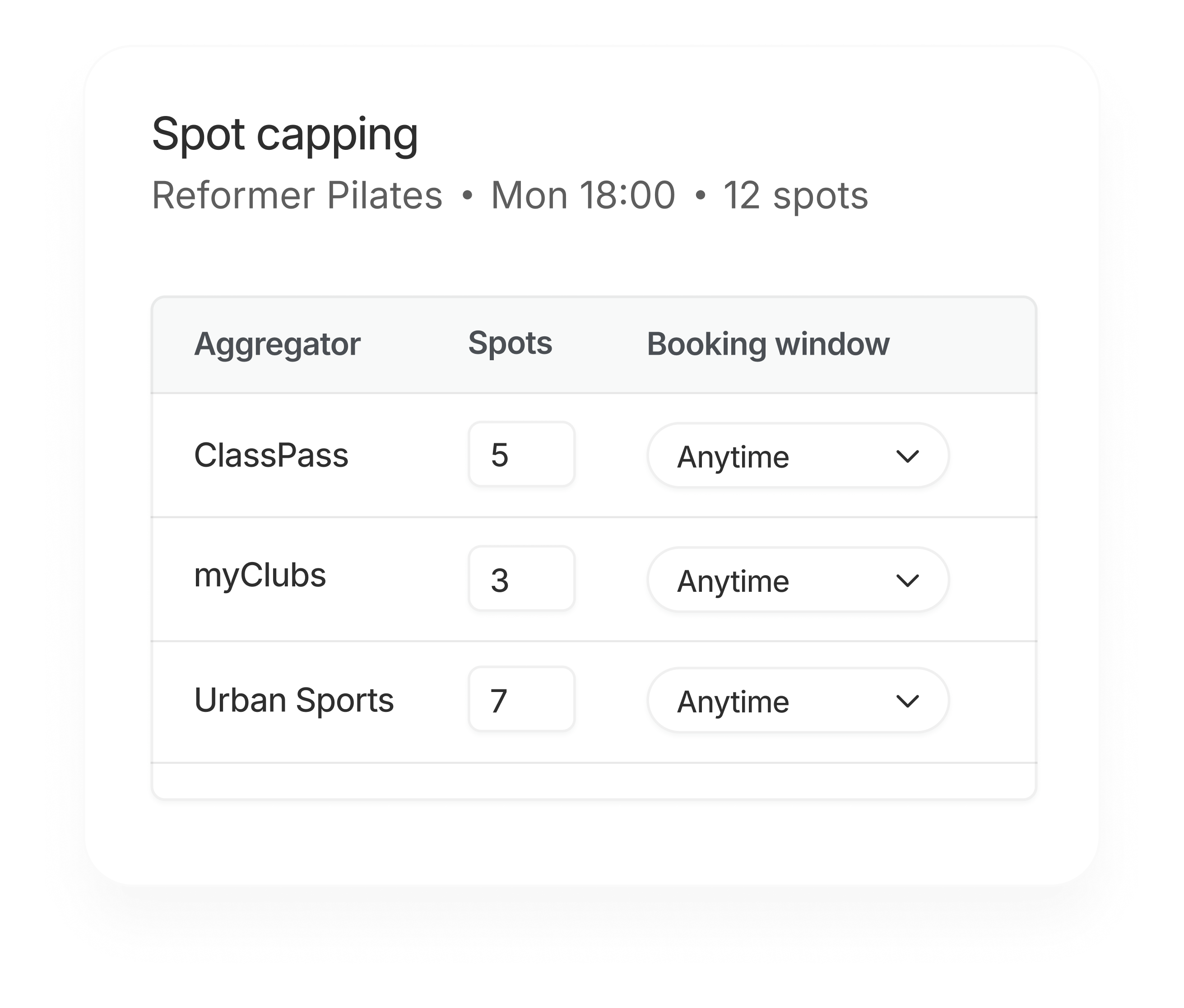
Set the right availability for each class
For every class, choose how many spots to make available through each third-party booking platform. Use third-party booking platforms to drive new members without your members competing for class spots.

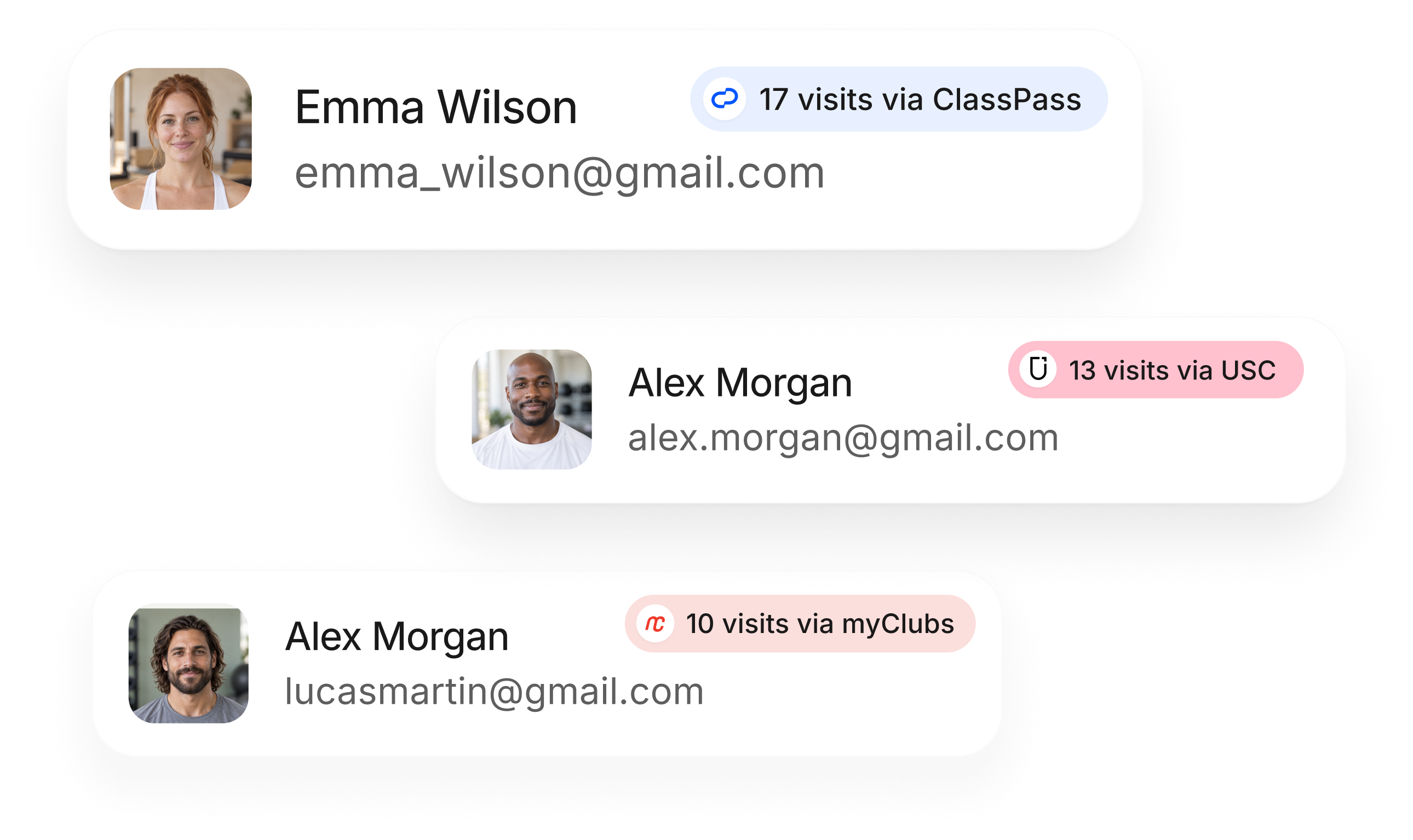
Spot returning visitors
See who keeps coming back via third-party platforms and save more information about them in bsport, so you can start building a stronger direct relationship.
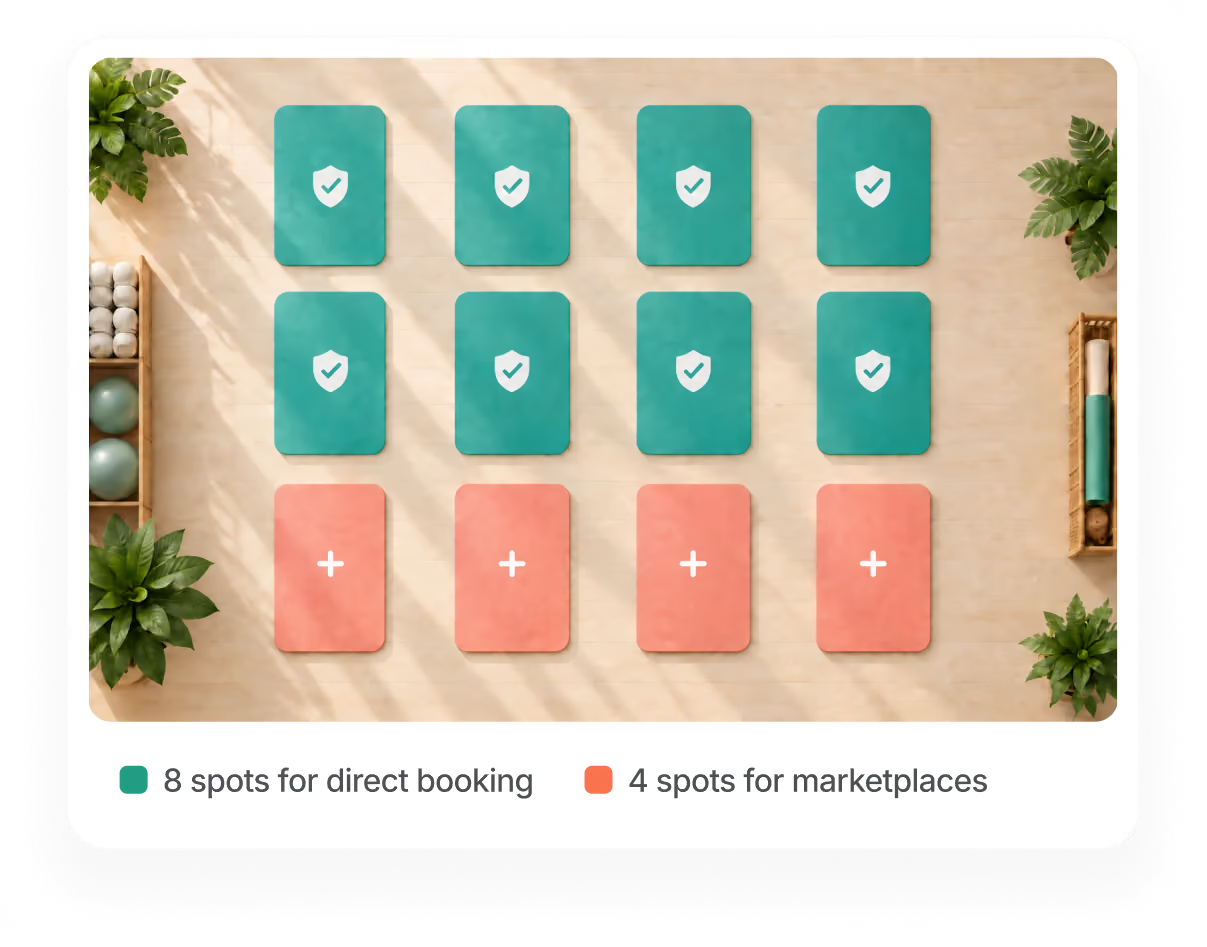
Give members first pick
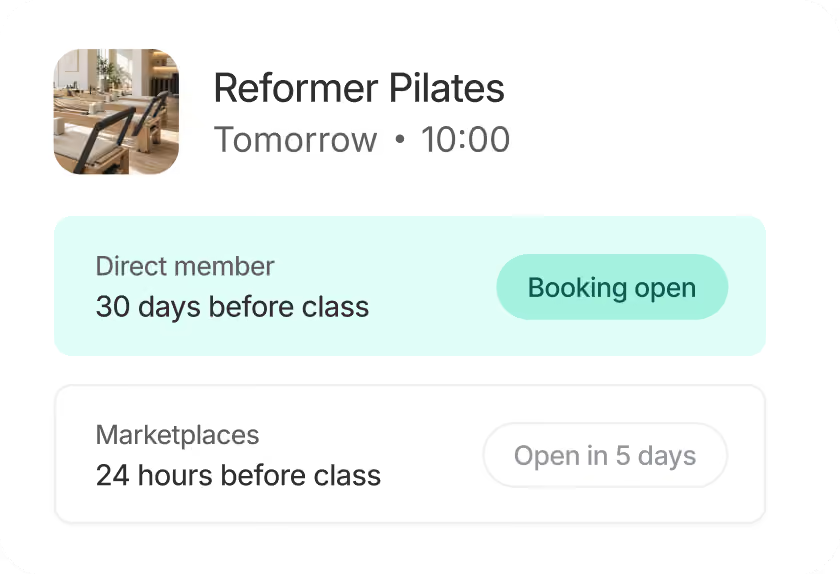
Open up direct bookings first, then offer remaining spots on third-party marketplaces closer to the class. It makes sure your most loyal members get first choice.
Pay instructors accurately, without the spreadsheets
Record revenue from each marketplace booking in bsport and instructor pay calculates automatically. No spreadsheets, no waiting for the end-of-month statement.

Hear from our customers


Key things to know

With bsport, you decide how many spots each third-party booking platform can take for every class. Set a shared allocation across all platforms or a different number per platform, with more precision than any other studio management software.
Yes. With bsport, you decide how many spots to make available through ClassPass and other third-party booking platforms for each class. Set the right allocation per session and adjust it whenever your priorities shift.
Yes. bsport's booking window settings let you open classes to direct members first, then make spots available on third-party platforms closer to the class date. Your most loyal members get first choice.
In bsport, you can record the revenue earned from bookings through each marketplace, so they don’t show up as €0. That gives you a more accurate view of class revenue in Insights and, if you pay instructors based on booking value, more accurate payroll data.
