Bring your business with you
Switching platforms doesn’t have to be scary. Our specialist migration team are here to transfer your data and get you live, while your studio runs as usual.
.png)










What we migrate
.svg)
.svg)
.svg)
.svg)
.svg)
How migration works
01 Planning
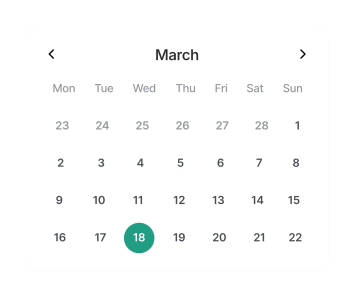
Your account manager works with you to gather key information about your data and previous platform, then agrees on a go-live date. They coordinate directly with the migration team from here.
02 Data check
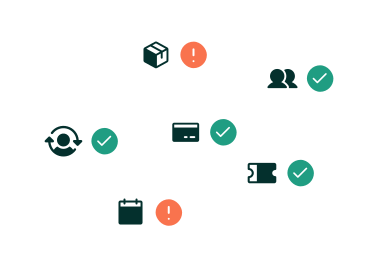
Your migration specialist reviews your data upfront. It means we can spot anything unexpected early and confirm the best way to transfer everything.
03 Testing and review
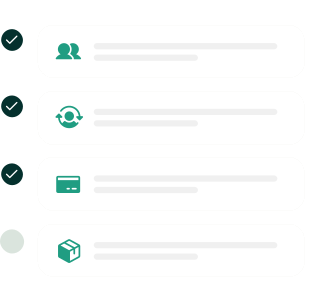
We thoroughly test your setup ahead of go-live, making sure everything works as expected and giving you the chance to review it.
04 Pre-migration call
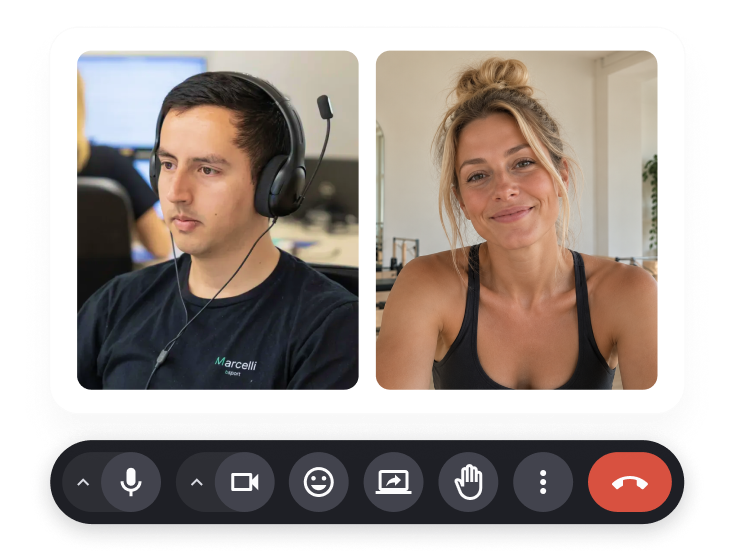
You’ll go through the staging account together with your account manager and migration specialist. It’s your chance to check everything, ask questions and make sure you’re happy before the migration goes ahead.
05 Migration day
It’s time! Your migration specialist takes care of the transfer behind the scenes, with your account manager on hand throughout.

06 Post-migration check
We run a full review after go-live, then we’ll catch up with you to make sure you and your team are happy and ready to go.
.svg)
By the numbers
Real people for a smoother move
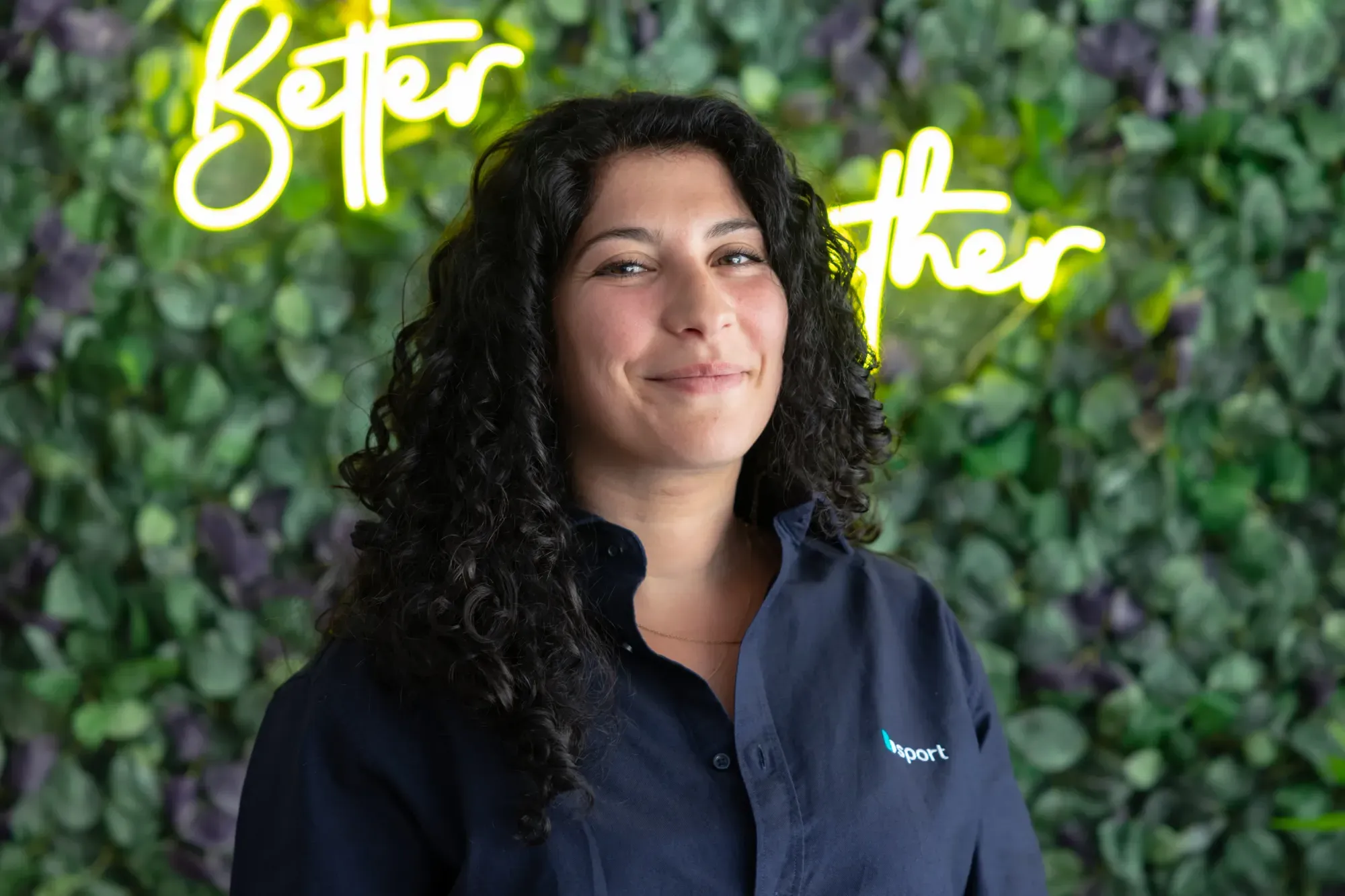
Your account manager
This is your main point of contact from the first call to post-migration sign-off. They make sure everything stays on track and keep you in the loop at every stage.

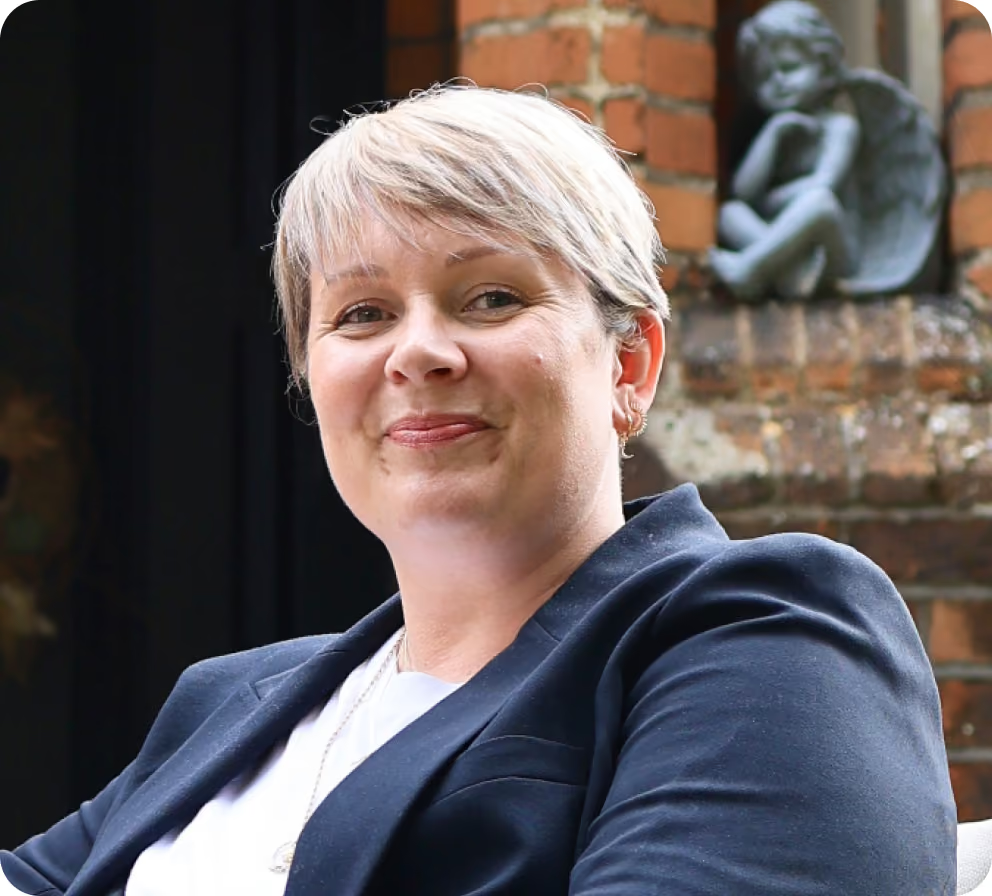
Your migration specialist
This is the technical expert who extracts, standardises and uploads your data. They handle all the technical stuff so you can focus on running your studio.
A good time to clean your data
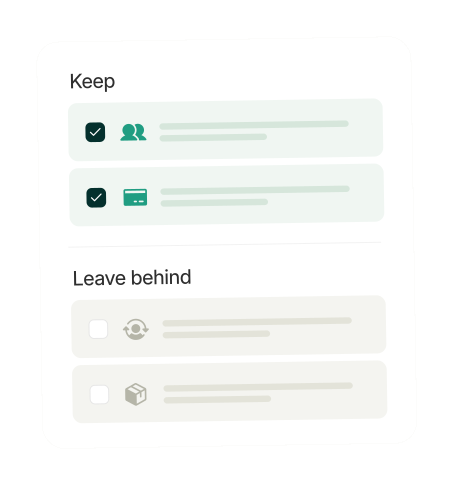
Migration is a good opportunity to think about what you want to bring across. Inactive members and stale contacts tend to add ‘noise’ to your reporting. Your account manager will help you decide what's worth migrating, so you start on bsport with useful insights from day one.

Key things to know

We have dedicated migration tools for all the major fitness studio management platforms, such as Mindbody, Glofox, Momence, Deciplus, Eversports and others. Unique set-ups and custom platforms are welcome, too! Your account manager will work out the right approach during your planning call.
Yes. A dedicated team handles your full transfer. Your account manager coordinates, while a migration specialist handles the technical work. They'll guide you through the full process from planning, hands-on data migration to staging review and post-migration checks to ensure everything works as expected.
The data migration is also a good time to audit what you bring across. Transferring years of inactive members and stale contacts can cloud your reporting. Your account manager will help you audit and propose the best way to migrate your data.
No. The migration runs in the background before your go-live date. Your clients won't see anything until you're ready to launch.
That's what the post-migration check is for. Our team runs a full sanity check before sign-off, and your account manager stays available to sort out anything that needs attention.
It depends on your data and your business setup. On average, a migration takes 30 days. Your account manager will give you a clear timeline after your planning call.
